
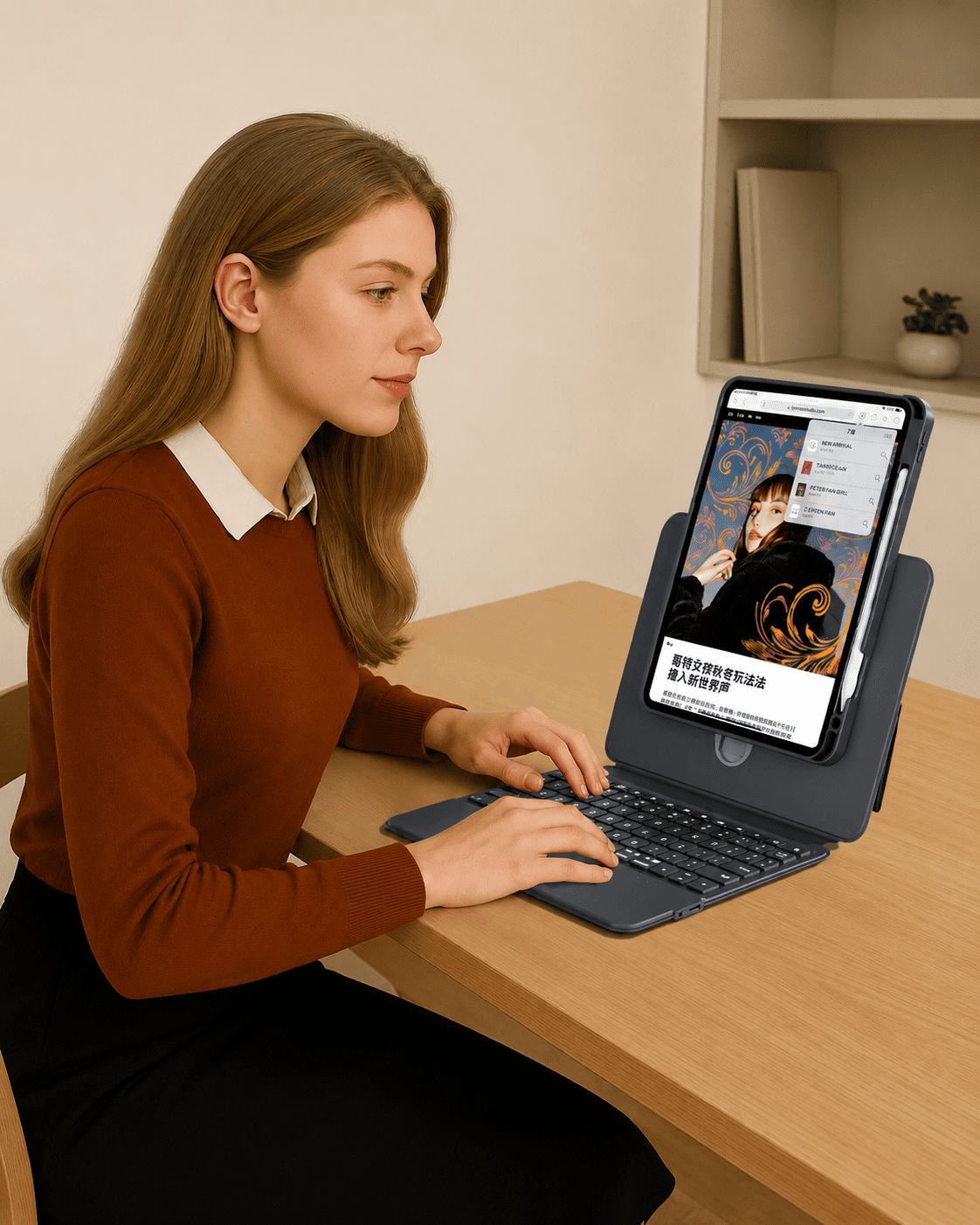
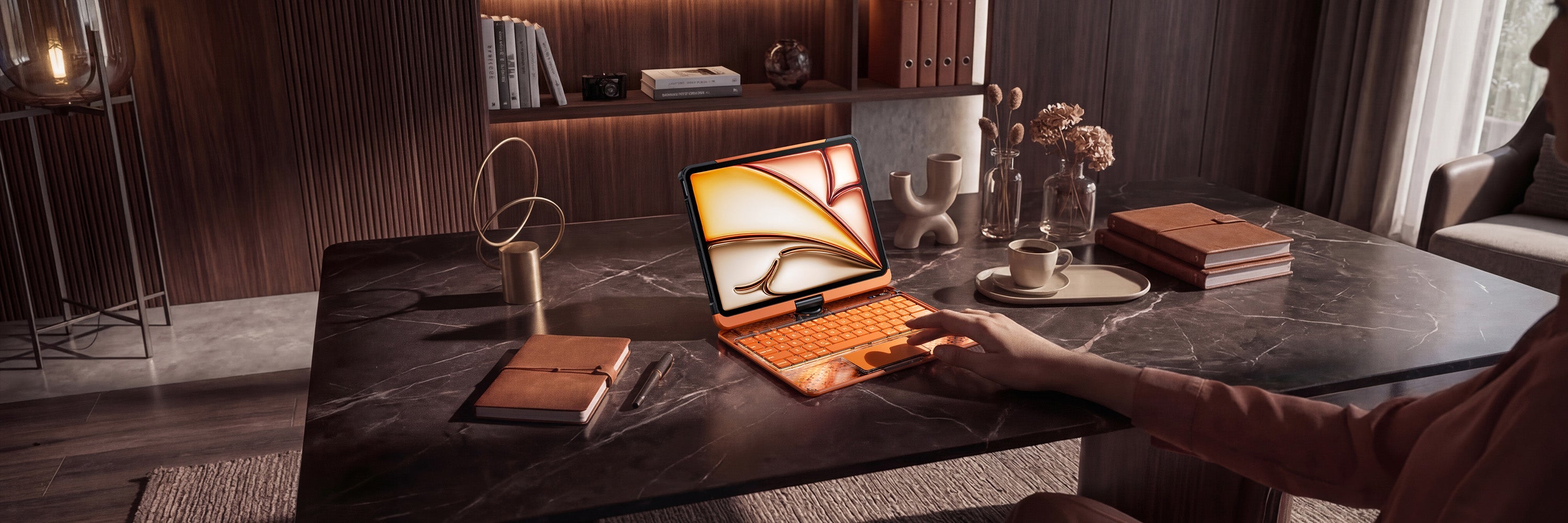
The iPad 10th Generation is a practical everyday device for study, work, browsing, video calls, entertainment, and light productivity. But to make it feel more useful for typing and multitasking, the right keyboard case can make a big difference.
A good keyboard case for iPad 10th Generation should do more than protect your iPad. It should help you type comfortably, navigate more easily, support different viewing needs, and fit the way you actually use your iPad every day.
At TIAOTA, there are several iPad keyboard case styles that can work well for iPad 10th Generation users, including direct-link keyboard cases, adjustable sliding rail keyboard cases, and transparent aesthetic keyboard cases.
This guide will help you compare the main options and choose the best iPad keyboard case for your iPad 10th Generation setup.
First: Make Sure You Choose the iPad 10th Generation Option
Before choosing any keyboard case, always confirm your exact iPad model. iPad models can look similar, but case fit may vary by size, camera position, button layout, magnetic alignment, and connector design.
When shopping, choose the product option that specifically lists iPad 10th Generation or iPad 11th(A16, 2025)/10th Gen, depending on how the product option is named.
If you are not sure which iPad you have, check the model number in your iPad settings before placing an order.
What to Look for in an iPad 10th Generation Keyboard Case
The best keyboard case depends on your daily routine. Students may care about note-taking and study comfort. Professionals may want fast typing and trackpad control. Everyday users may want a balance of protection, convenience, and style.
| Feature | Why It Matters |
|---|---|
| Exact compatibility | The case should clearly support iPad 10th Generation. |
| Keyboard comfort | Comfortable keys help with notes, emails, messages, and documents. |
| Trackpad support | A trackpad makes your iPad easier to navigate like a compact laptop. |
| Connection type | Direct-link and Bluetooth keyboard cases offer different daily experiences. |
| Viewing flexibility | Adjustable angles help with typing, watching, studying, and video calls. |
| Protection | A good case should help protect your iPad during daily carrying and use. |
| Design style | Your case should match your workspace, school setup, or personal style. |
Best for Simple Productivity: Direct Link Keyboard Case
If you want the cleanest typing experience for iPad 10th Generation, the TIAOTA Direct Link Keyboard Case is a strong option.
This style is designed for users who want fewer setup steps. Instead of managing Bluetooth pairing or charging the keyboard separately, the direct-link setup is made to help you start typing more easily once your iPad is attached.
It is especially suitable if you want:
- No Bluetooth pairing before typing
- No separate keyboard charging routine
- A magnetic keyboard setup
- Trackpad control for smoother navigation
- Pass-through charging for a cleaner workflow
- A more laptop-like setup for work, study, and travel
If you want to understand this connection style better, read: iPad Keyboard Case Without Bluetooth.
You can also compare connection types here: Direct Link vs Bluetooth iPad Keyboard Case.
Best for Flexible Viewing: Sliding Rail iPad Keyboard Case
If you use your iPad 10th Generation for more than typing, the TIAOTA Sliding Rail iPad Keyboard Case may be the better fit.
This style is designed for users who want adjustable viewing, 360° rotation, and more flexible use throughout the day. It works well when you switch between typing, reading, watching, video calls, studying, and entertainment.
It is especially useful if you want:
- Adjustable height for a more comfortable viewing position
- 360° rotation for portrait and landscape use
- Magnetic detachable use for tablet-style moments
- Trackpad control for multitasking
- Backlit keys for different lighting environments
- A flexible setup for study, work, meetings, and everyday use
If you want a deeper guide, read: Adjustable iPad Keyboard Case for Work, Study, and Creative Setups.
Best for Style: Transparent iPad Keyboard Case
If you want your iPad 10th Generation setup to feel more personal, the TIAOTA Transparent iPad Keyboard Case is a strong choice.
The transparent design gives your iPad a more distinctive look while still supporting practical features such as keyboard typing, trackpad control, backlit keys, rotation, and daily protection.
This style is a good fit if you want:
- A more aesthetic iPad setup
- Transparent or color-focused design
- Keyboard and trackpad functionality
- Flexible use for study, work, and entertainment
- A case that feels more expressive than a plain black or gray option
If you like aesthetic setups, you may also enjoy: Y2K iPad Keyboard Case for Aesthetic Setups and Cosmic Orange iPad Keyboard Case for Warm Aesthetic Setups.
Which Keyboard Case Should You Choose for iPad 10th Generation?
Each keyboard case style is designed for a different type of user. The best choice depends on your main priority.
| User Need | Recommended Style | Why |
|---|---|---|
| No Bluetooth pairing and no separate keyboard charging | Direct Link Keyboard Case | Best for a simpler plug-and-play productivity workflow. |
| Adjustable height and 360° rotation | Sliding Rail Keyboard Case | Best for study, video calls, reading, and multi-angle use. |
| Transparent design and personal style | Transparent Keyboard Case | Best for aesthetic setups and color-focused users. |
| Trackpad navigation | Direct Link, Sliding Rail, or Transparent Series | Best for laptop-like iPad control and multitasking. |
| School and daily notes | Sliding Rail or Direct Link | Choose Sliding Rail for flexible viewing or Direct Link for fewer setup steps. |
| Travel and commuting | Direct Link Keyboard Case | Best for users who want less charging and fewer connection steps. |
For Students
If you use your iPad 10th Generation for school, online classes, notes, assignments, or research, a keyboard case with trackpad support can make your setup much more useful.
The Sliding Rail style is a strong option if you often switch between reading, typing, watching lessons, and reviewing notes. The Direct Link style is better if you want a faster setup with no Bluetooth pairing and no separate keyboard charging.
For a broader study-focused guide, read: Best iPad Keyboard Case for Students.
For Work and Productivity
If you use your iPad 10th Generation for emails, documents, planning, meetings, or remote work, choose a case that helps you type comfortably and navigate quickly.
The Direct Link Keyboard Case is especially practical if you want a clean workflow with fewer setup steps. The Sliding Rail Keyboard Case is helpful if your work includes video calls, reading documents, or longer desk sessions where viewing angle matters.
If you are looking for a Magic Keyboard-style option, you can also read: Best Magic Keyboard Alternative for iPad.
For Everyday Use
Even if you mainly use your iPad for browsing, messaging, shopping, watching videos, or light work, a keyboard case can make the device more comfortable and versatile.
If you want convenience, choose Direct Link. If you want flexible viewing, choose Sliding Rail. If you want color and personality, choose the Transparent Series.
Quick Buying Checklist
Before buying a keyboard case for iPad 10th Generation, check these points:
- Does the product option clearly support iPad 10th Generation?
- Do you want direct-link connection or Bluetooth connection?
- Do you need a built-in trackpad?
- Do you want adjustable height or 360° rotation?
- Do you want no separate keyboard charging?
- Do you prefer a simple work setup or a more aesthetic design?
- Will you use it mostly for school, work, travel, entertainment, or everyday browsing?
Answering these questions first will make it easier to choose the right case for your iPad 10th Generation.
Final Thoughts
The best keyboard case for iPad 10th Generation depends on how you use your iPad every day.
If you want the simplest productivity workflow, choose the Direct Link Keyboard Case. If you want flexible viewing and multi-angle use, choose the Sliding Rail Keyboard Case. If you want a more personal and aesthetic setup, choose the Transparent Keyboard Case.
The right keyboard case can help your iPad 10th Generation feel more comfortable, more productive, and more ready for school, work, travel, and daily life.
Shop iPad 10th Generation Keyboard Cases
Explore the Direct Link Keyboard Case
Share:
Best iPad Keyboard Case for iPad Air 13 and iPad Pro 13
Which iPad Keyboard Case Fits Your iPad Model?