
FAQ's
Welcome to our FAQ, we are so happy to have you here and as a client.
We have tried to answer the most common questions.
Shipping & Returns
Below are some common questions about shipping, returns, and exchanges
Which countries do you ship to?
We ship to many countries worldwide, including the United States, Canada, the United Kingdom, Australia, parts of Europe, Asia, and the Middle East.
Shipping availability and fees vary by location. If your country is unavailable at checkout, please contact us for assistance.
How much does shipping cost?
Shipping costs vary by destination.
Some locations may qualify for standard shipping, while remote areas may incur an additional fee, which will be shown at checkout.
If you're unsure about the shipping cost for your location, please contact us before placing your order.
How long does delivery usually take?
Delivery time varies by destination.
Most orders arrive within 6–12 business days after shipment. Delays may occur due to remote locations, customs, holidays, or other logistics factors.
A tracking number will be provided once your order is shipped.
How long is the warranty period?
TIAOTA products include a 1-year limited warranty from the date of purchase.
You may be eligible for an extended warranty by registering through our official website. Warranty terms may vary by product and purchase channel.
How can I track my order?
Once your order ships, we’ll send you a tracking number by email.
You can use it to track your package on the carrier’s website. Please allow 24–72 hours for tracking updates.
If you haven’t received your tracking number or the tracking hasn’t updated, please contact us with your order number.
Orders
Below are some of are common questions about orders
Can I use more than one discount code?
Only one discount code can be used per order.
Discount codes generally cannot be combined with other promotions or discounts. If your code isn’t working, please check if it has expired, if the product is eligible, or if another discount has already been applied.
What payment methods do you accept?
Tiaota accepts a variety of secure payment options to make checkout fast and convenient.
💳 1. PayPal
- Pay directly with your PayPal account.
- Guest checkout may also be available in supported regions.
- Payments are typically confirmed within minutes.
🏦 2. Credit & Debit Cards
We currently accept:
- Visa
- Mastercard
- American Express
- UnionPay
⚡ 3. Express Checkout
For a faster checkout experience, we also support:
- Apple Pay
- Google Pay
- Shop Pay
🔒 Secure Payments
- All transactions are processed through secure payment gateways.
- Tiaota does not store your card details.
- Your payment information is protected with industry-standard security measures.
🌍 Availability
Available payment methods may vary depending on your country or region and will be displayed during checkout.
If you experience any payment-related issues, please contact your bank, card issuer, or payment provider for assistance.
How can I contact TIAOTA support?
You can contact TIAOTA support via our website or email: support@mytiaota.com.
Please provide your order number, product model, and a brief description of your issue. We’ll get back to you as soon as possible.
Can I cancel or change my order?
You may cancel or modify your order before it ships.
To update your shipping address, change the product model, or cancel your order, please contact us as soon as possible with your order number.
Once the order has shipped, changes or cancellations may no longer be possible. Please contact our support team for further assistance.
Why did my payment fail?
Payment may fail due to incorrect card details, insufficient funds, bank restrictions, or a declined transaction.
Please verify your payment information and try again. You may also use another payment method or contact your bank for assistance.
If the issue persists, please contact TIAOTA support.
Products
Below are some common questions about our products
Is the iPad included?
No, the iPad is not included.
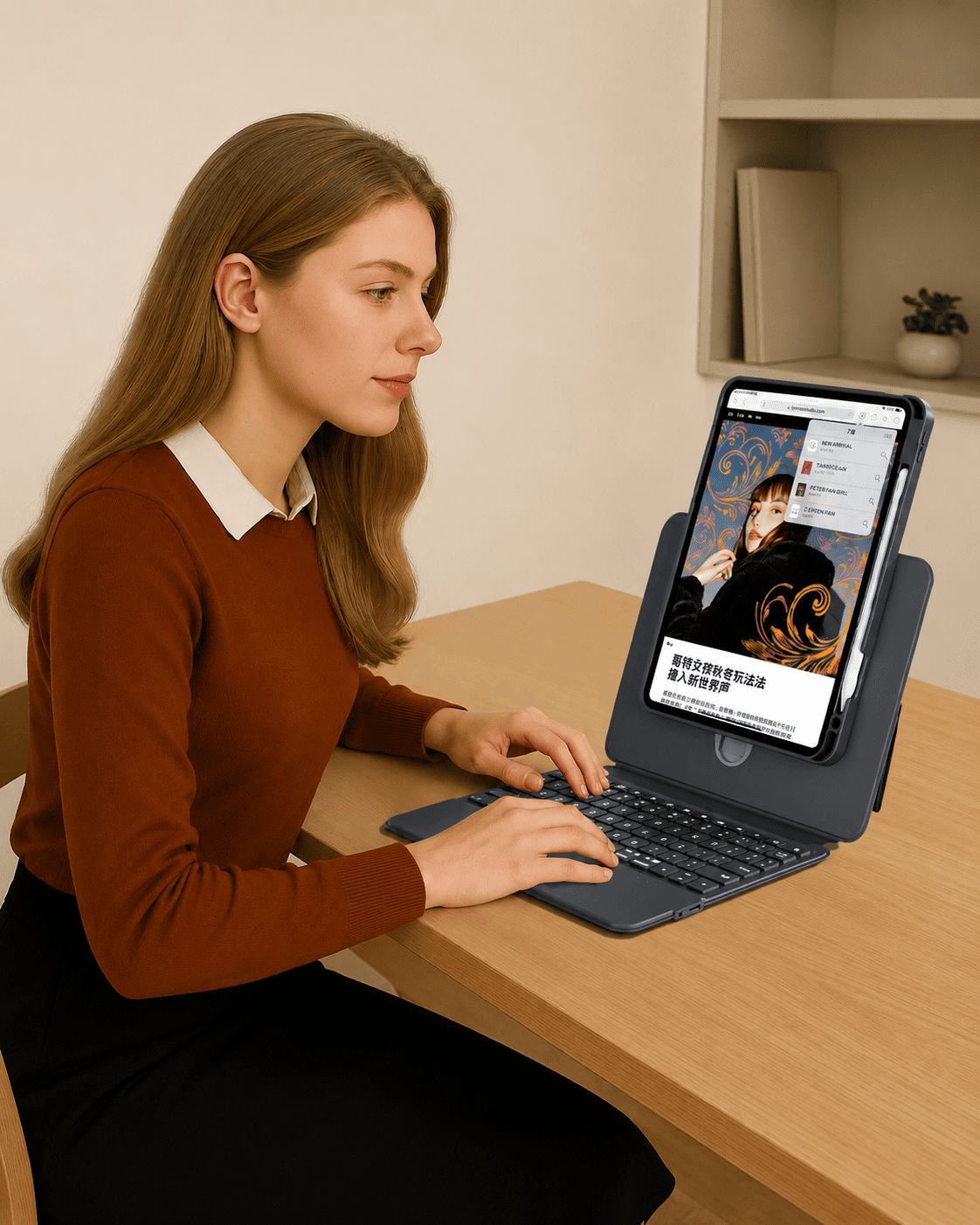
This product includes the keyboard case only. Any iPad, Apple Pencil, or other accessories shown in the images are for display purposes only and are not included.
Is the Apple Pencil included?
No, the Apple Pencil is not included.
This product includes the keyboard case only. Any iPad, Apple Pencil, or other accessories shown in the images are for display purposes only and are not included.
How do I check which iPad model I have?
You can check your iPad model in two ways:
- Go to Settings > General > About to find the Model Name and Model Number.
- Check the model number on the back of your iPad. It usually starts with “A” (e.g., A2925, A2836).
Please compare your model number with the compatibility list on the product page before ordering. If you're unsure, feel free to contact us.
Why does the on-screen keyboard appear while I’m typing?
If the on-screen keyboard appears while using the physical keyboard, your iPad may not be detecting the keyboard properly.
Please try:
- Make sure the keyboard is powered on and connected.
- Check the Bluetooth connection (for Bluetooth keyboard cases).
- Turn off the on-screen keyboard:Settings > Accessibility > Touch > AssistiveTouchTurn off Show Onscreen Keyboard
- Turn Bluetooth off and back on.
- Restart your iPad and reconnect the keyboard.
- If needed, remove and re-pair the keyboard.
- Update your iPadOS to the latest version.
If the issue persists, please contact TIAOTA support with your order number and product model.
How do I connect my TIAOTA keyboard case to my iPad?
The connection method depends on your keyboard case model.
Bluetooth keyboard case:
- Turn on the keyboard.
- Press Fn + C to enter pairing mode (indicator light flashes).
- On your iPad, go to Settings > Bluetooth and select the TIAOTA keyboard.
Direct-connect keyboard case:
No Bluetooth pairing is needed. Simply attach your iPad correctly, and it should connect automatically.
If it doesn’t connect, restart your iPad, check the keyboard battery level, and try again.