
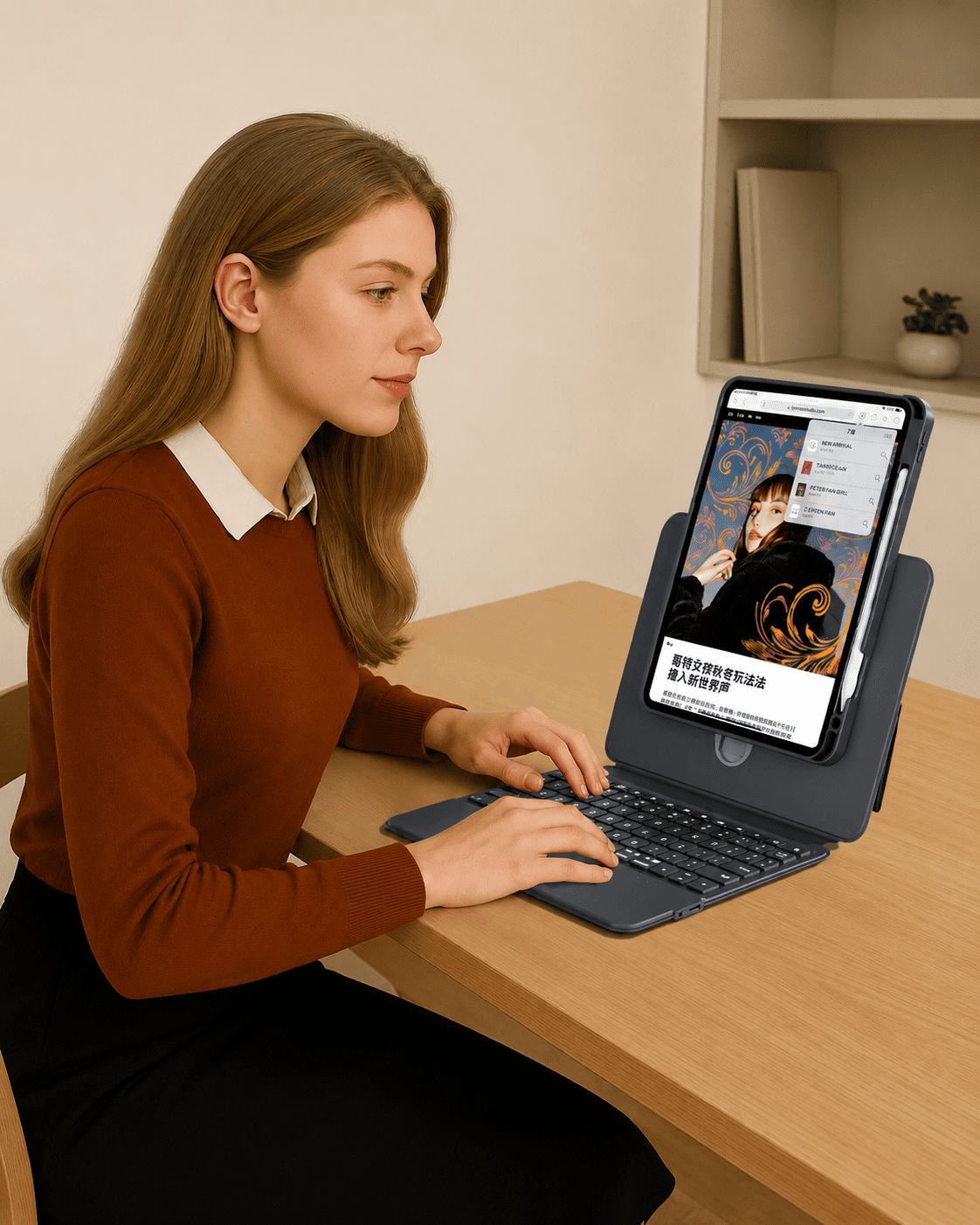
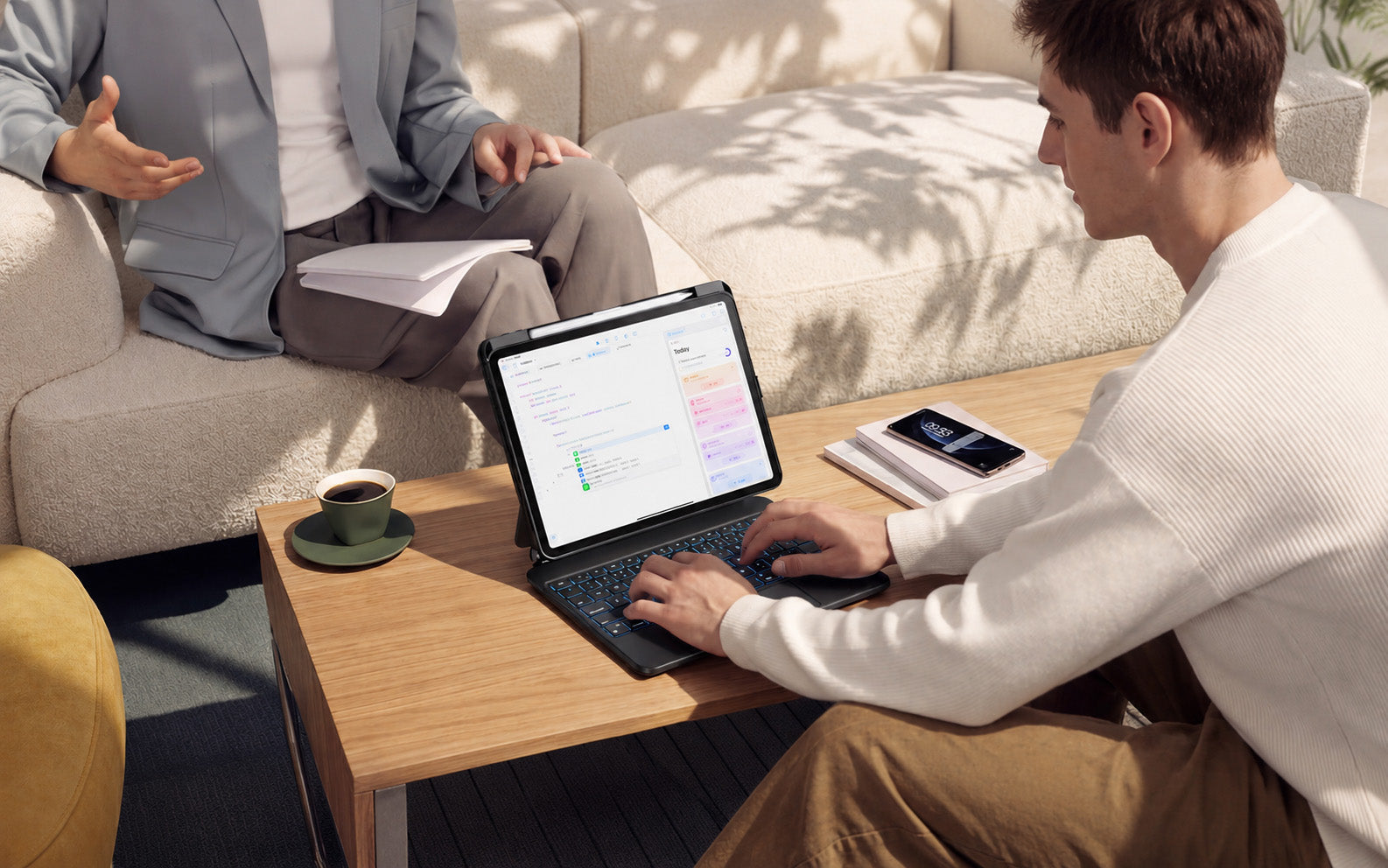
If you like the idea of turning your iPad into a more laptop-like setup, a magnetic keyboard case with trackpad can be one of the most useful accessories to consider.
Many iPad users look for a Magic Keyboard alternative for iPad because they want a clean typing setup, comfortable viewing angles, trackpad control, and everyday portability. But not every keyboard case offers the same experience.
The right alternative should be easy to use, stable for typing, comfortable for daily work, and practical enough to carry between home, school, the office, cafés, and travel.
If you want a simpler workflow, the TIAOTA Direct Link Keyboard Case is designed to bring together magnetic support, direct-link typing, trackpad navigation, pass-through charging, backlit keys, and everyday iPad protection.
What Makes a Good Magic Keyboard Alternative?
A good Magic Keyboard alternative should not only look similar. It should also support the way you actually use your iPad every day.
Before choosing an iPad keyboard case, pay attention to these key points:
- Stable typing experience
- Built-in trackpad for easier navigation
- Magnetic support for a cleaner setup
- Comfortable viewing angle for work and study
- Simple connection without complicated setup
- Daily protection for carrying your iPad
The best option should make your iPad feel easier to use, not more complicated.
Choose a Keyboard Case with Trackpad
A keyboard helps with typing, but a trackpad makes the iPad feel much closer to a compact laptop setup.
With an iPad keyboard case with trackpad, you can scroll, tap, select, switch apps, and navigate iPadOS more naturally without constantly reaching for the screen.
This is especially helpful for:
- Writing documents and emails
- Taking notes during class or meetings
- Browsing and research
- Managing tabs and files
- Daily multitasking
If you use your iPad for productivity, trackpad control is one of the most important features to look for.
Look for a Cleaner Connection
One common issue with some keyboard cases is the extra setup. Bluetooth pairing, reconnecting, and charging can interrupt your workflow when you just want to start working.
A direct-link keyboard case helps simplify this process. Once your iPad is attached, the keyboard is ready to type without Bluetooth pairing.
This makes the setup feel more immediate, especially when you are moving between different places during the day.
For users who want fewer steps, a direct-link iPad keyboard case can be a practical choice.
No Separate Keyboard Charging
Another feature to consider is power. Some keyboard cases need to be charged separately, which means one more battery level to check and one more cable to manage.
A no charging keyboard case can make daily use easier. The keyboard is powered through the iPad once connected, helping reduce battery anxiety and keeping your setup simpler.
This is useful for students, professionals, remote workers, and travelers who need their iPad setup to stay ready throughout the day.
Magnetic Support and Comfortable Viewing
A Magic Keyboard-style setup is popular because it looks clean and keeps the iPad positioned for typing and viewing. When choosing an alternative, magnetic support and viewing angle matter a lot.
The keyboard case should hold your iPad securely and allow you to work comfortably at a desk, in a meeting, during online classes, or while traveling.
A floating-angle design can make your iPad more comfortable for typing, browsing, watching, and video calls.
Direct Link Keyboard Case vs Basic Bluetooth Keyboard Case
If you are comparing different options, it helps to look at the daily experience, not just the appearance.
| Feature | Direct Link Keyboard Case | Basic Bluetooth Keyboard Case |
|---|---|---|
| Connection | Attach and type | Requires Bluetooth pairing |
| Keyboard charging | No separate keyboard charging | Usually needs separate charging |
| Trackpad | Built for laptop-like navigation | Depends on the model |
| Daily workflow | Cleaner and more plug-and-play | May require more setup |
| Best for | Work, study, meetings, travel | Basic typing and casual use |
Who Should Choose a Magic Keyboard Alternative?
A Magic Keyboard alternative can be a strong choice if you want a more complete iPad setup without losing daily flexibility.
For Students
If you use your iPad for notes, assignments, online classes, or research, a keyboard case with trackpad can make studying easier and more organized.
For Professionals
If your iPad is part of your work routine, direct-link typing and trackpad control can help you handle emails, documents, meetings, and planning more efficiently.
For Travelers
If you often work from cafés, airports, hotels, or shared spaces, a setup with no Bluetooth pairing and no separate keyboard charging can feel more dependable.
For Everyday iPad Users
Even for browsing, messaging, watching videos, and light work, a magnetic keyboard case can make your iPad feel more comfortable and versatile.
Final Thoughts
The best Magic Keyboard alternative for iPad should be more than a keyboard. It should make your iPad easier to type on, easier to navigate, easier to carry, and easier to use every day.
With direct-link typing, no Bluetooth pairing, no separate keyboard charging, magnetic support, trackpad control, pass-through charging, backlit keys, and daily protection, the TIAOTA Direct Link Keyboard Case is designed for users who want a cleaner and more practical iPad workflow.
If you are still deciding between connection types, you can also read our comparison guide: Direct Link vs Bluetooth iPad Keyboard Case.
Share:
iPad Keyboard Case Without Bluetooth
Direct Link vs Bluetooth iPad Keyboard Case