
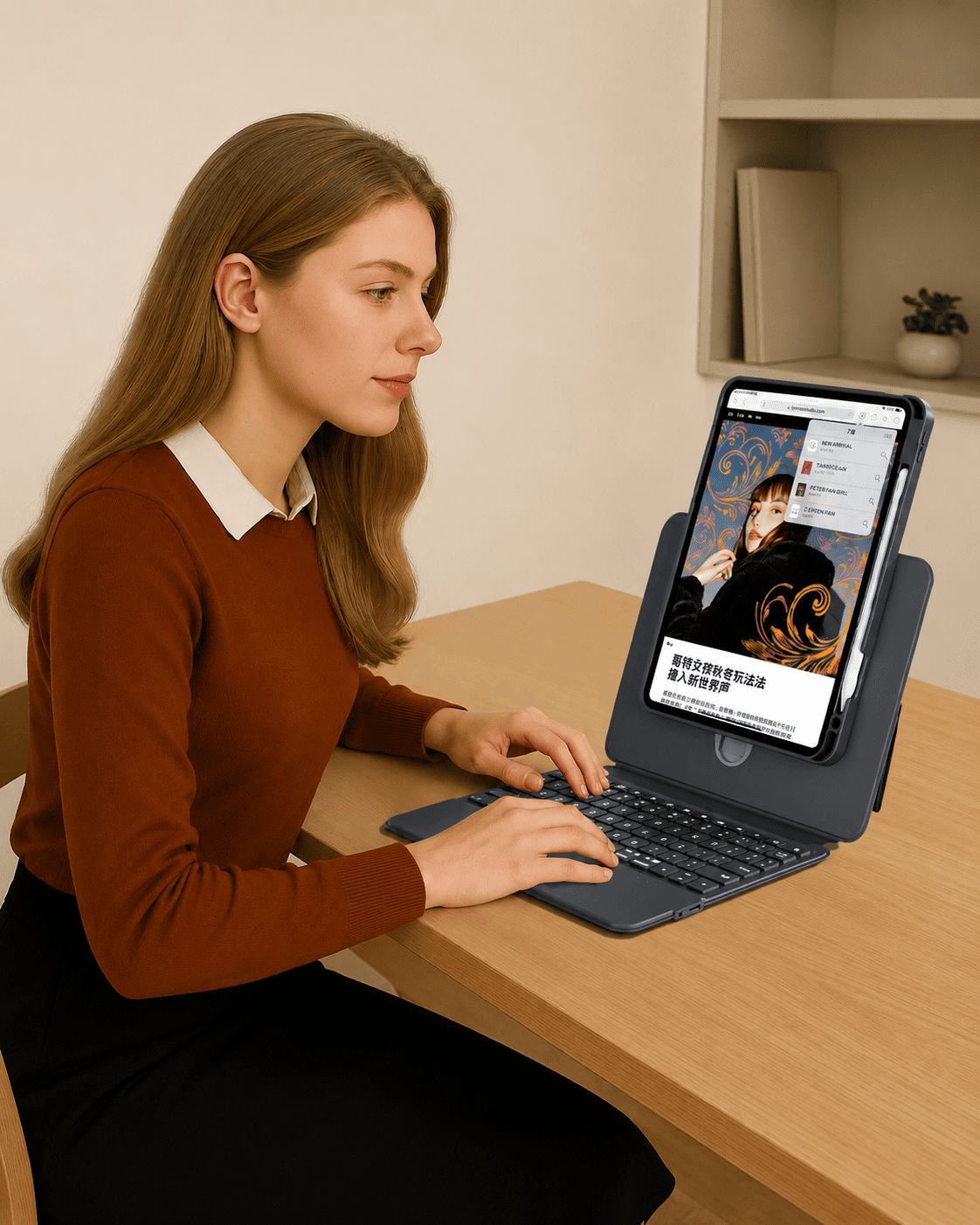
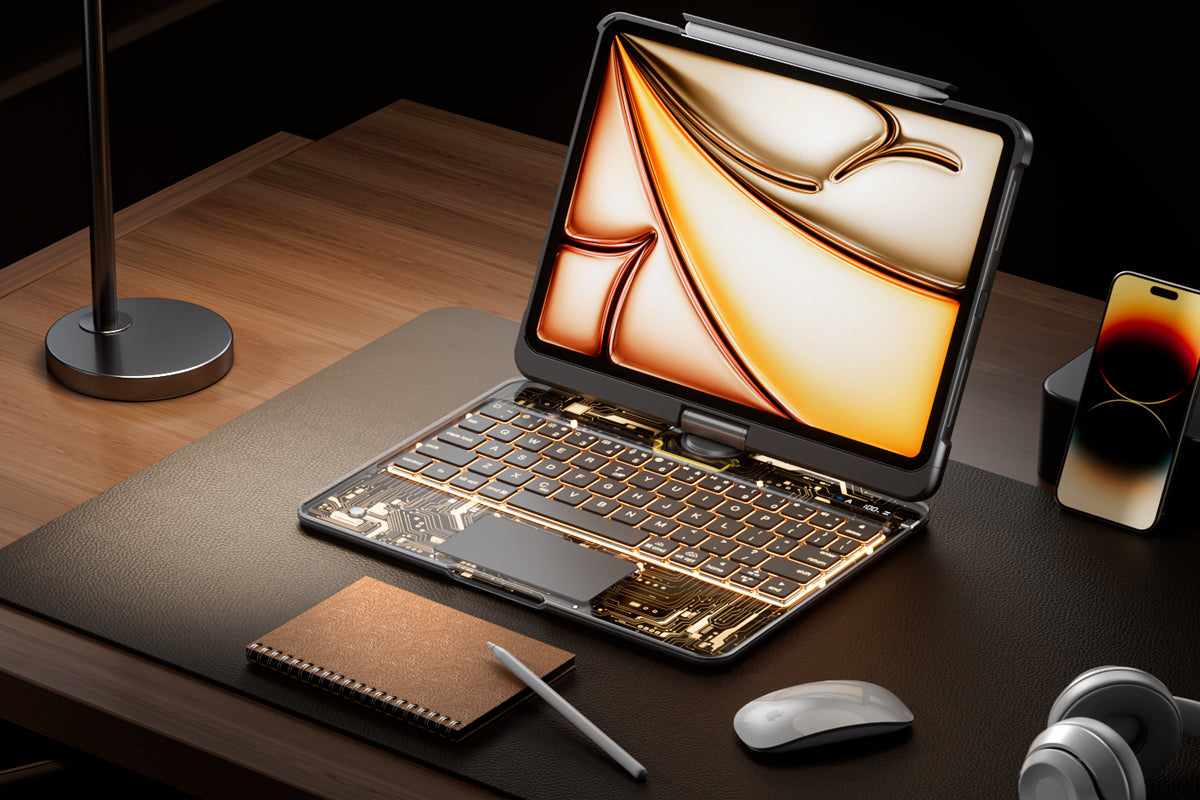
An iPad Keyboard Case is more than an accessory. It can turn your iPad into a cleaner, lighter, and more flexible workspace for typing, browsing, studying, creating, and everyday productivity. For users who want a laptop-like experience without carrying a full laptop, the right keyboard case can make every task feel faster and more natural.
Why Choose an iPad Keyboard Case?
A good iPad setup should be easy to carry, quick to use, and comfortable for long sessions. That is why many iPad users choose a keyboard case instead of a separate keyboard and stand.
More Efficient Typing
Typing directly on the screen works for short messages, but it is not always ideal for emails, notes, documents, or daily work. A keyboard case gives your iPad a physical typing surface, helping you write faster with fewer interruptions.
Better Protection for Daily Use
An iPad Keyboard Case also helps protect your device from everyday scratches, bumps, and movement in a bag. For students, commuters, creators, and office users, this added protection makes the iPad easier to carry with confidence.
Key Features to Look For
Not all keyboard cases offer the same experience. Before choosing one, it is important to look at connection, typing comfort, trackpad control, protection, and viewing angles.
Stable Connection
A stable connection is one of the most important features. Some keyboard cases use Bluetooth, while others use a direct-link or Smart Connector style connection. A direct-link keyboard can help reduce setup time because there is no Bluetooth pairing required. Simply attach the iPad and start typing.
Comfortable Keyboard Layout
A well-designed keyboard should feel natural to type on. Features such as shortcut keys, responsive key travel, and a clean layout can make a big difference during work or study. For users who type every day, comfort is just as important as portability.
Multi-Touch Trackpad
A built-in trackpad helps make the iPad feel closer to a laptop. With multi-touch gestures, users can scroll, tap, swipe, switch apps, and navigate more smoothly. This is especially helpful for multitasking, remote work, and productivity apps.
Design Matters Too
An iPad Keyboard Case should not only work well. It should also fit your daily routine and personal setup.
Adjustable Viewing Angles
A flexible stand or floating-angle design allows you to adjust the screen position for typing, watching, reading, or video calls. A wider opening angle can also make the keyboard easier to access without the screen blocking the keys.
Magnetic Hold and Detachable Use
Magnetic attachment makes the setup cleaner and easier to use. Some designs also include a detachable protective case, so you can use the iPad on its own when you do not need the keyboard.
Backlit Keys for Any Environment
Backlit keys are useful for low-light settings such as evening work, travel, dorm rooms, or quiet cafés. A keyboard with multiple backlight colors and brightness levels gives users more control over both visibility and atmosphere.
Who Needs an iPad Keyboard Case?
An iPad Keyboard Case is ideal for anyone who wants to get more out of an iPad without losing portability.
Students can use it for class notes, research, and assignments. Professionals can use it for emails, reports, meetings, and travel work. Creators can use it for planning, editing, and content management. Even casual users can enjoy a more comfortable setup for browsing, messaging, and entertainment.
The best iPad Keyboard Case should combine protection, comfort, stable connection, flexible viewing, and smooth control. If you use your iPad for more than watching videos, a keyboard case can help you work faster, type better, and carry less. It is a simple upgrade that makes the iPad feel more capable in everyday life.
Share:
Cosmic Orange iPad Keyboard Case for Warm Aesthetic Setups
iPad Keyboard Case with Trackpad